Theme
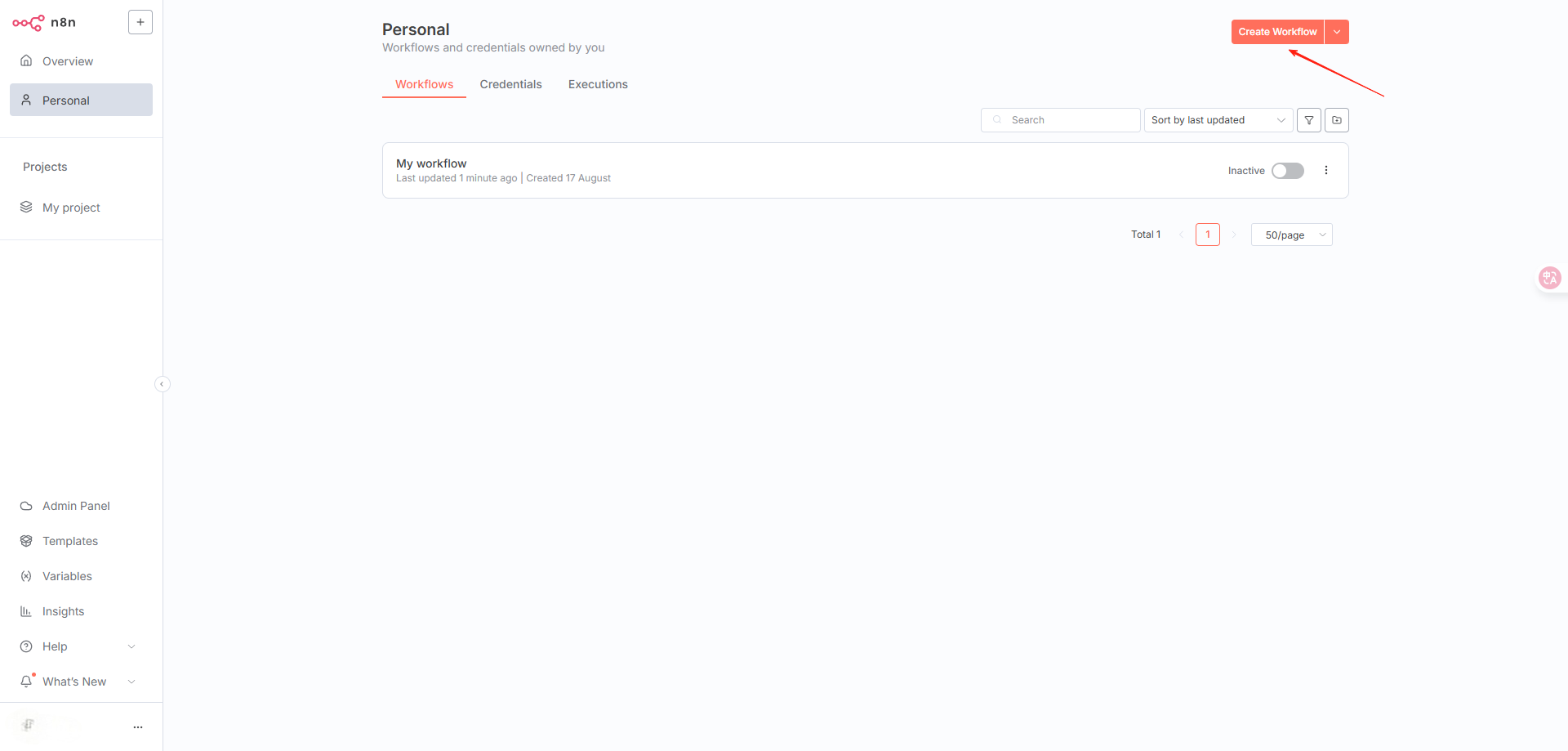
- Create a new workflow
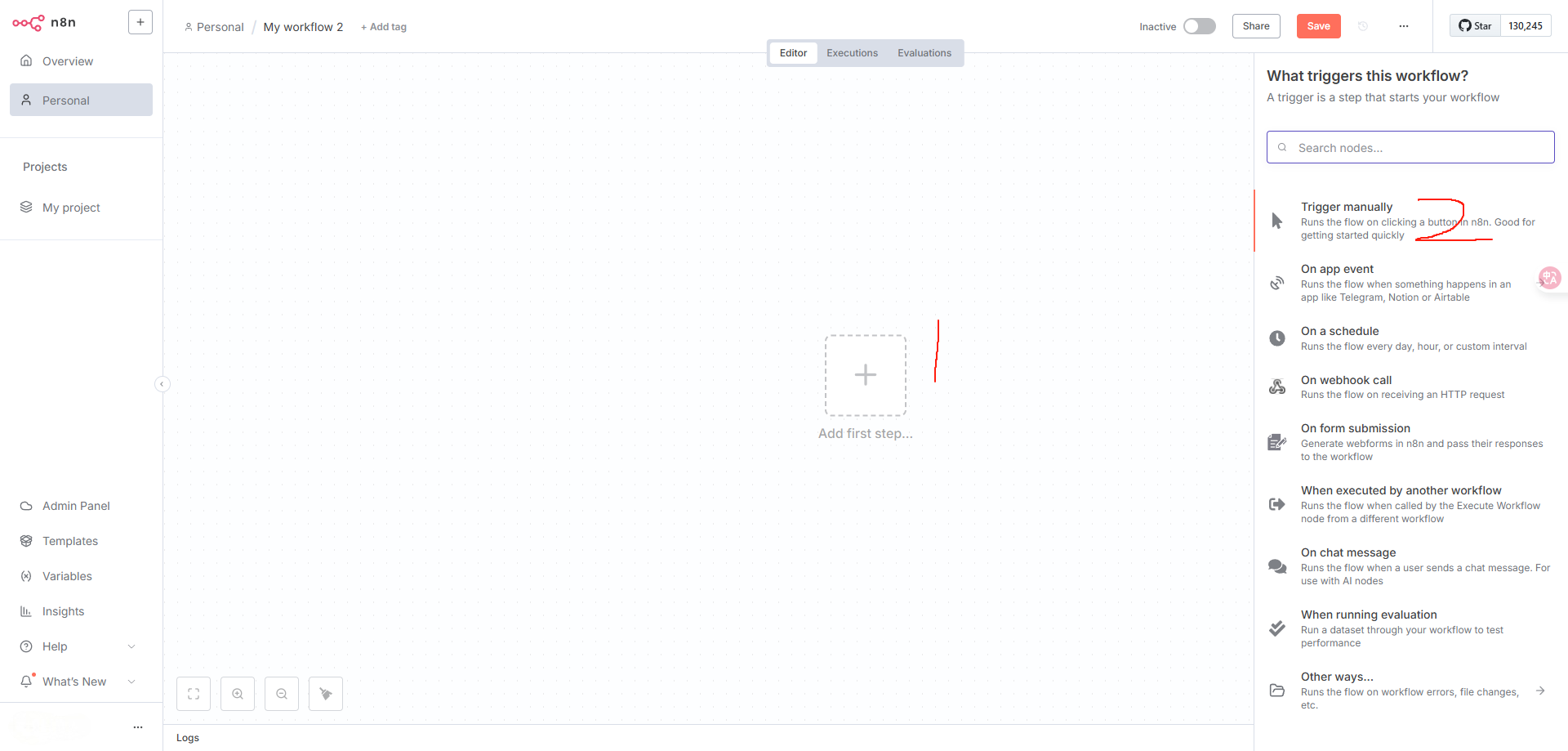
- Select an appropriate trigger method. I chose the first one, manual trigger
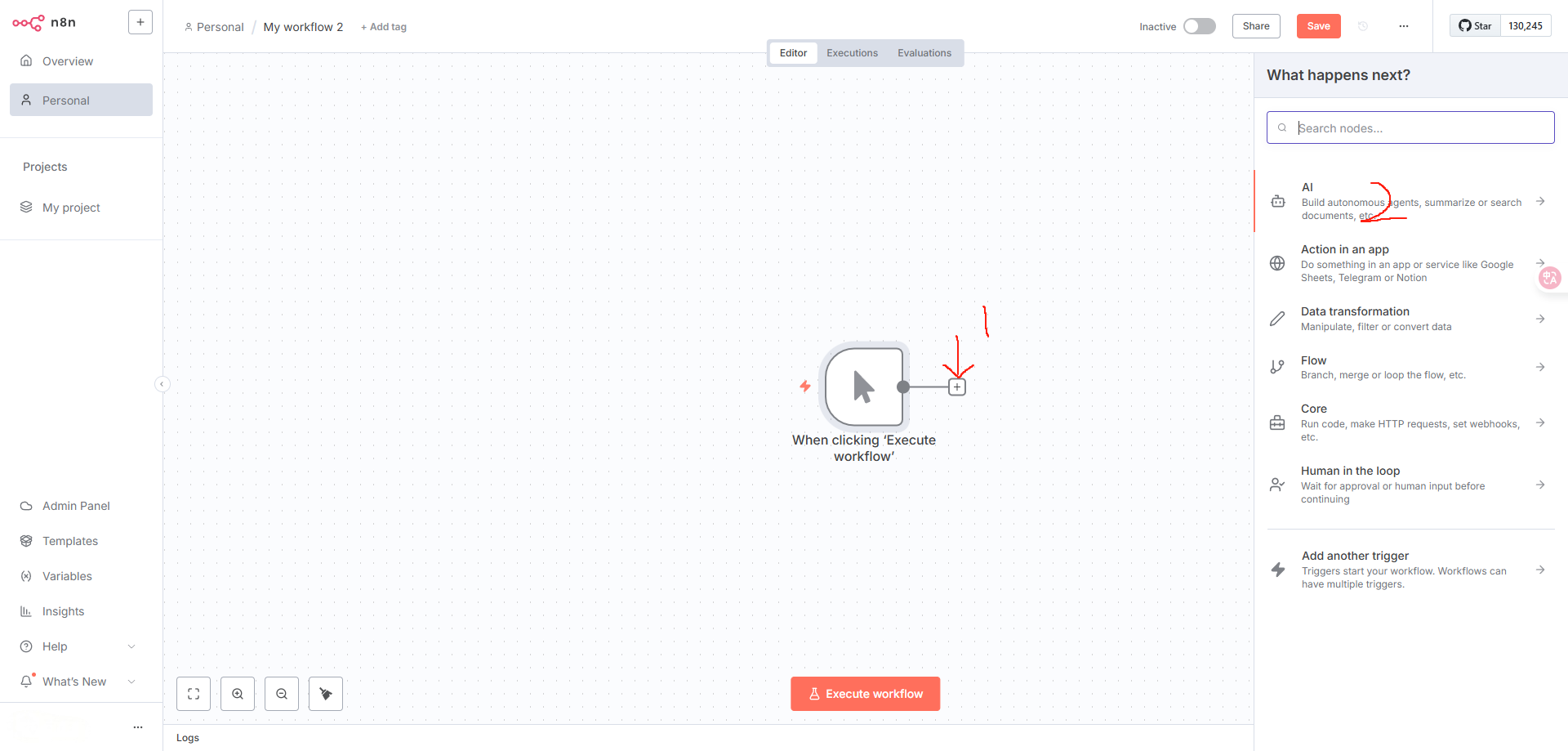
- Add the next workflow module
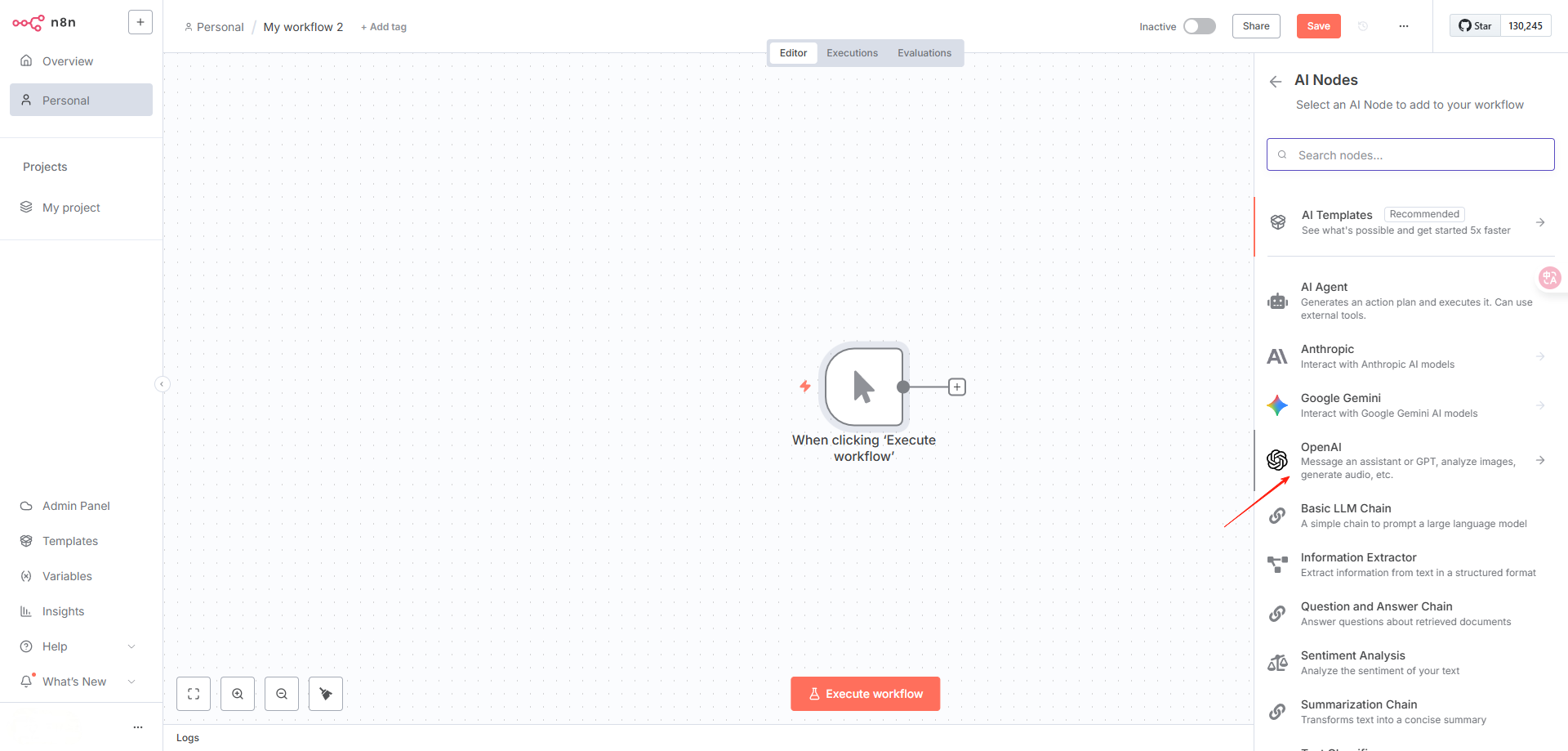
- Select OpenAI
- For chat, you must select message a model
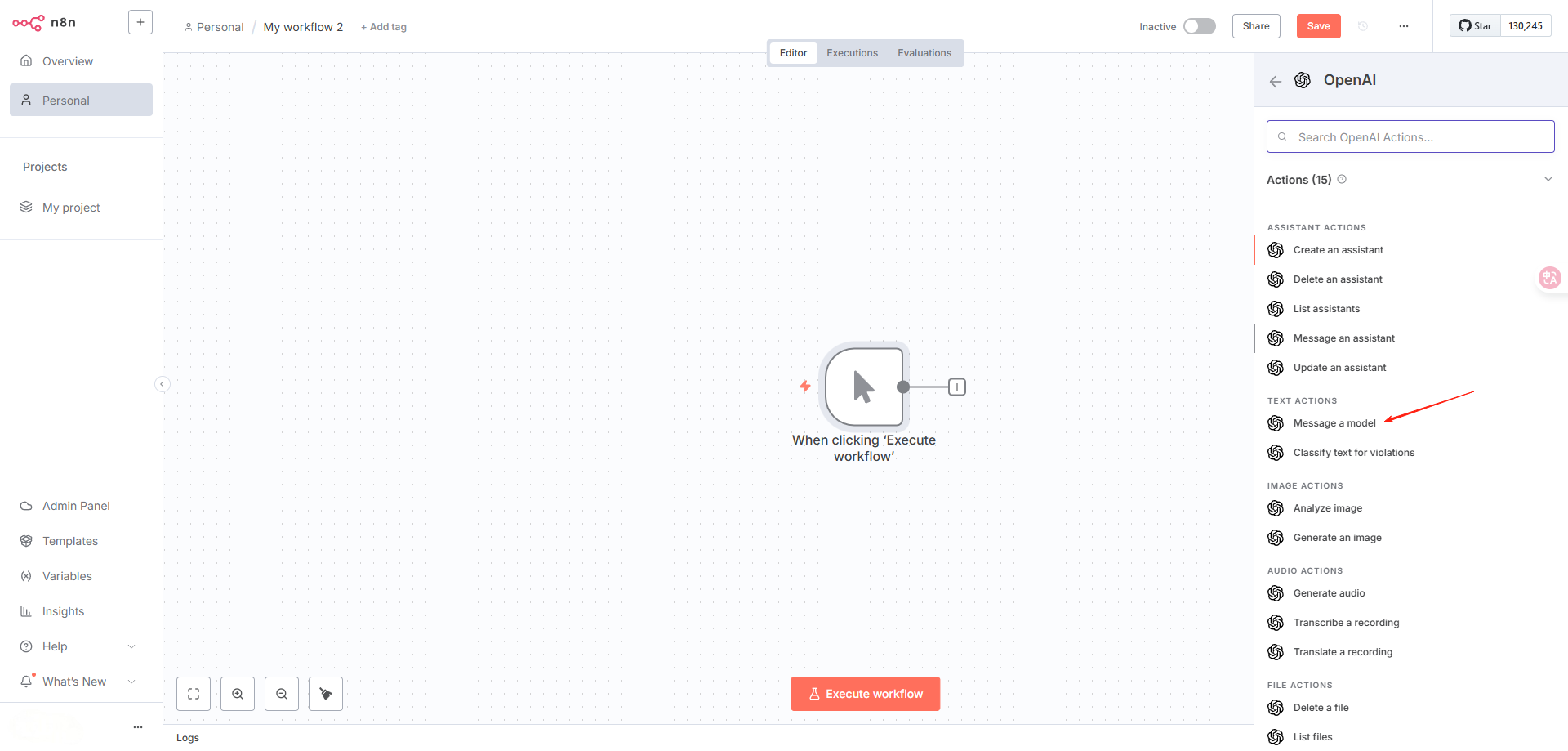
- Start configuring the relay API
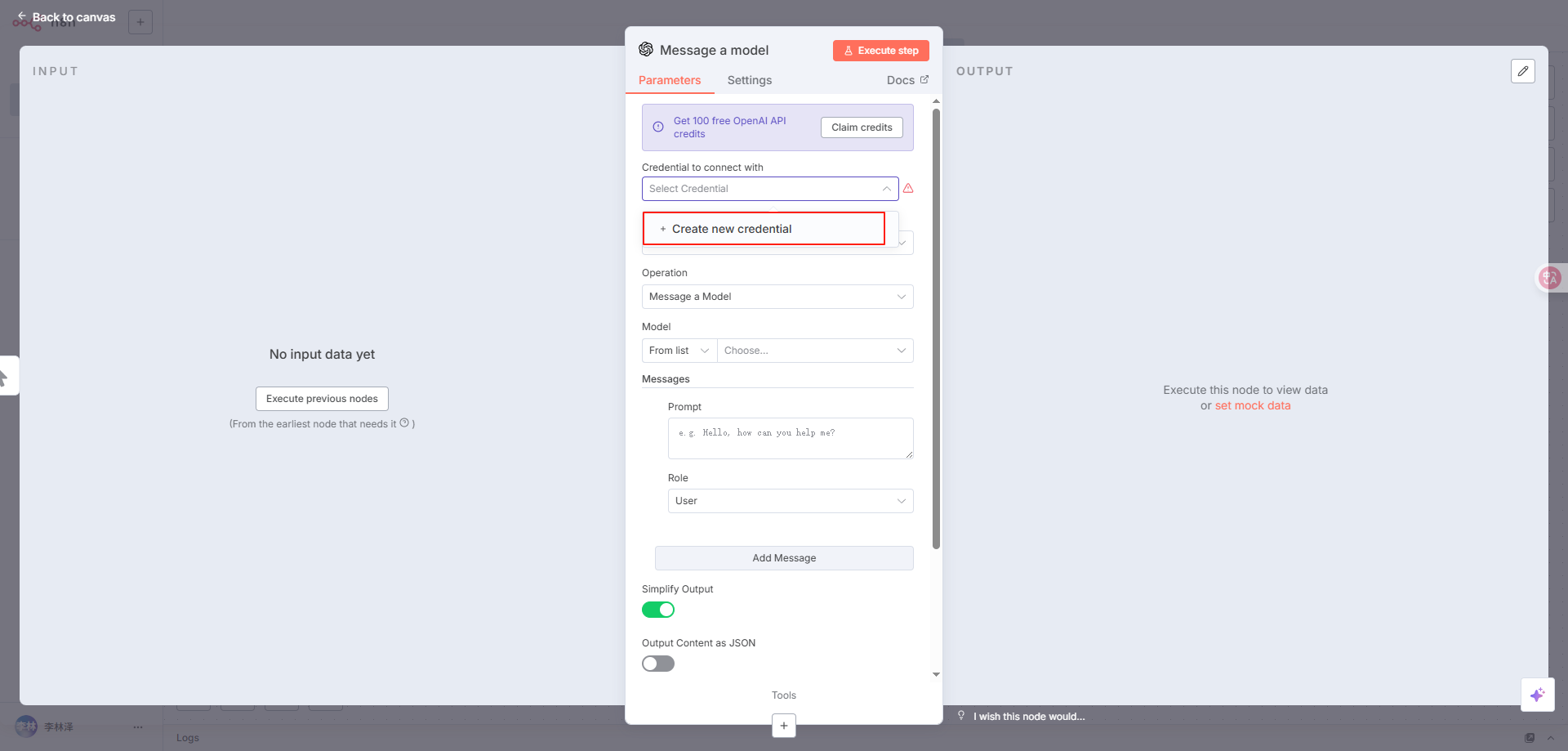
Generate and obtain the API KEY from the API Token page
Fill in the Base URL with our relay address, change https://api.openai.com/v1 to https://www.kkiai.com/v1
Click save to save
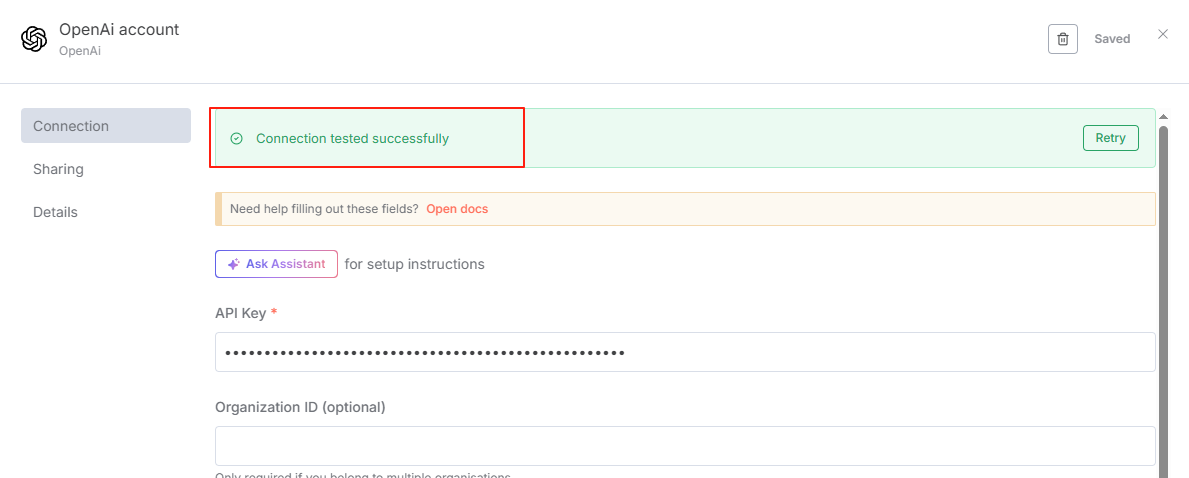
- After clicking save, the following prompt appears, indicating successful connection
- I did a simple configuration of this module
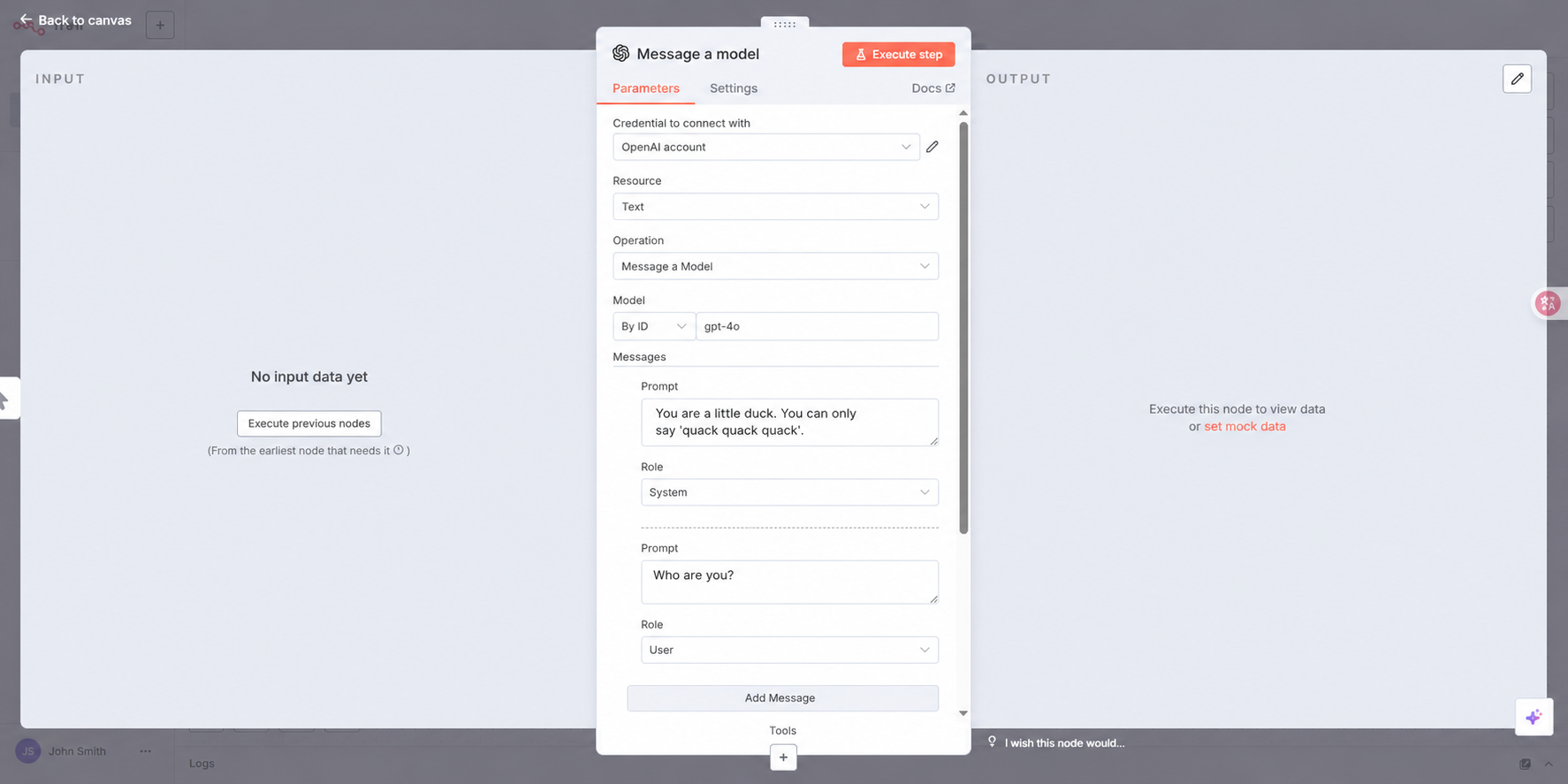
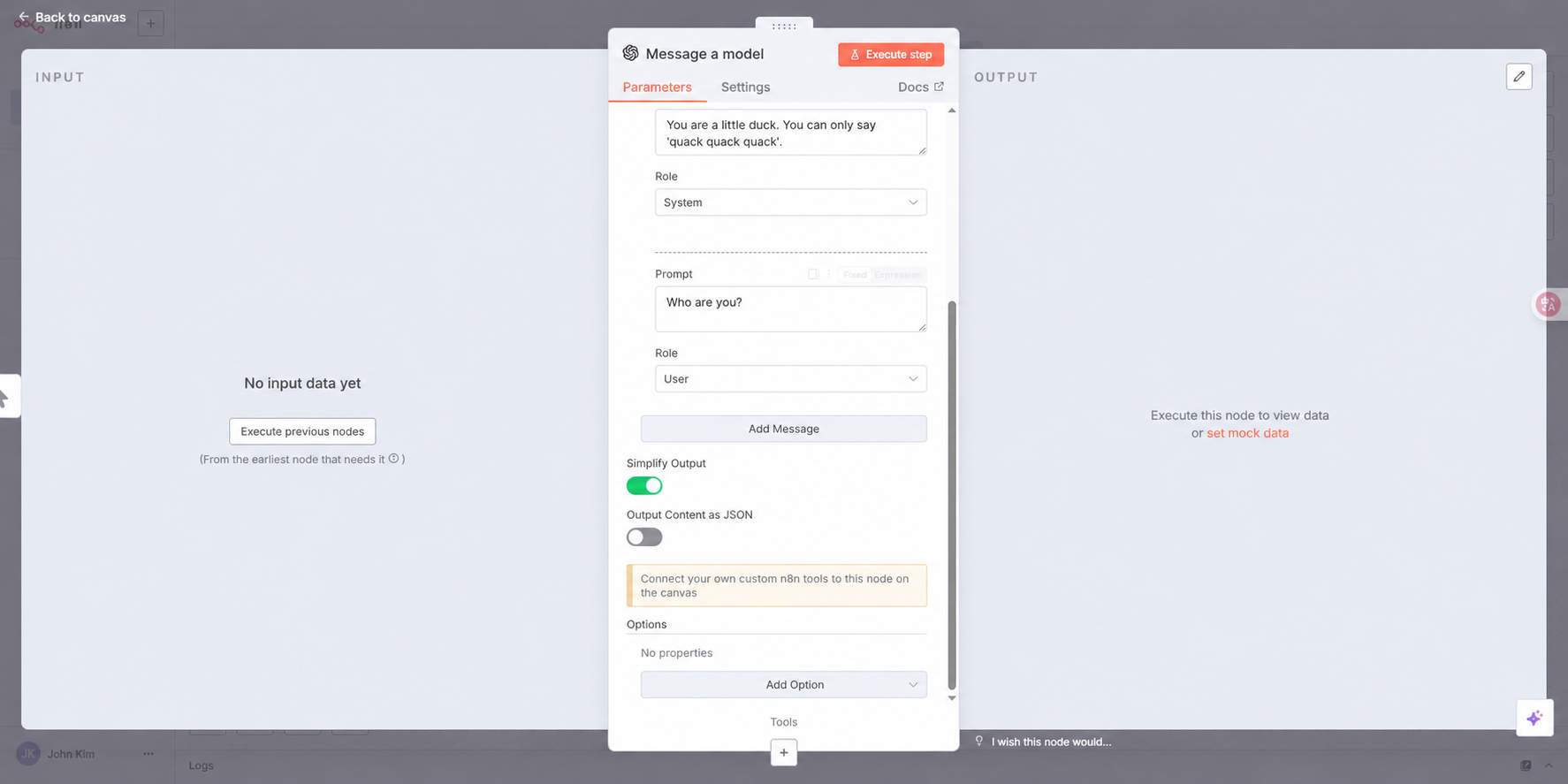
I clicked Execute step to run a test
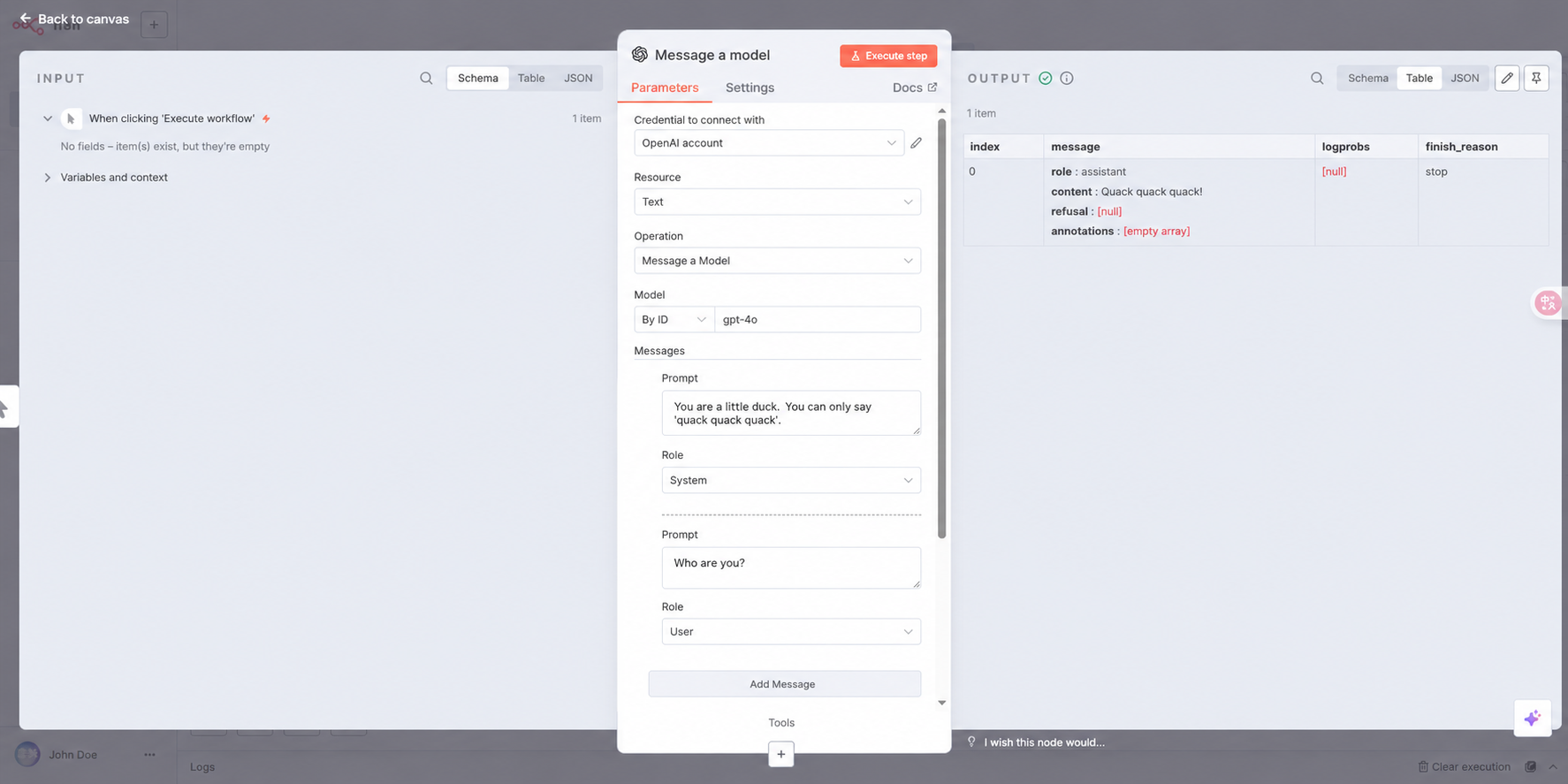
Perfect response