Theme
Create Images
from openai import OpenAI
import base64
client = OpenAI( base_url="https://www.kkiai.com/v1",
    api_key="sk-xxx")

prompt = """
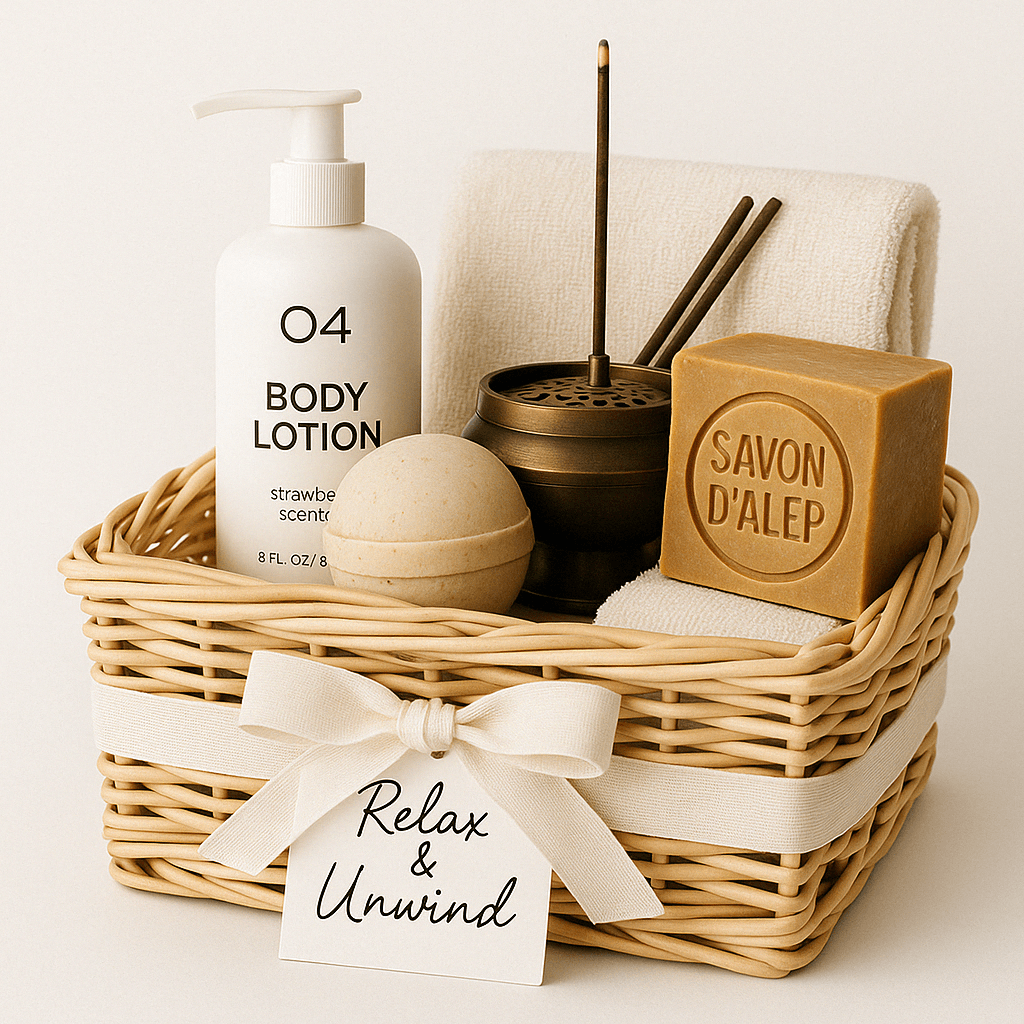
A children’s book illustration showing a veterinarian using a stethoscope to listen to the heartbeat of a baby otter.
"""

result = client.images.generate(
    model="gpt-image-1",
    prompt=prompt
)

image_base64 = result.data[0].b64_json
image_bytes = base64.b64decode(image_base64)

# Save the image to a file
with open("otter.png", "wb") as f:
    f.write(image_bytes)
Edit Images
import base64
from openai import OpenAI
client = OpenAI( base_url="https://www.kkiai.com/v1",
    api_key="sk-xxx")

prompt = """
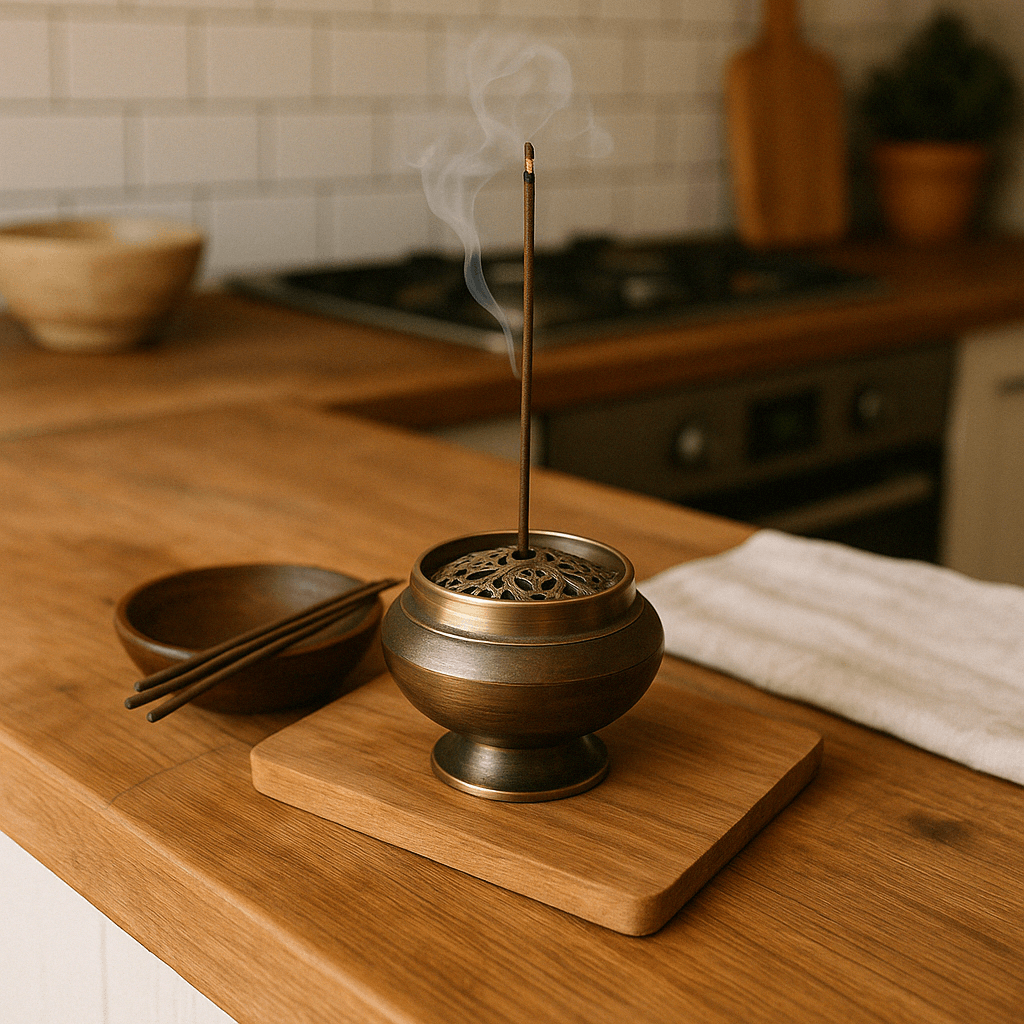
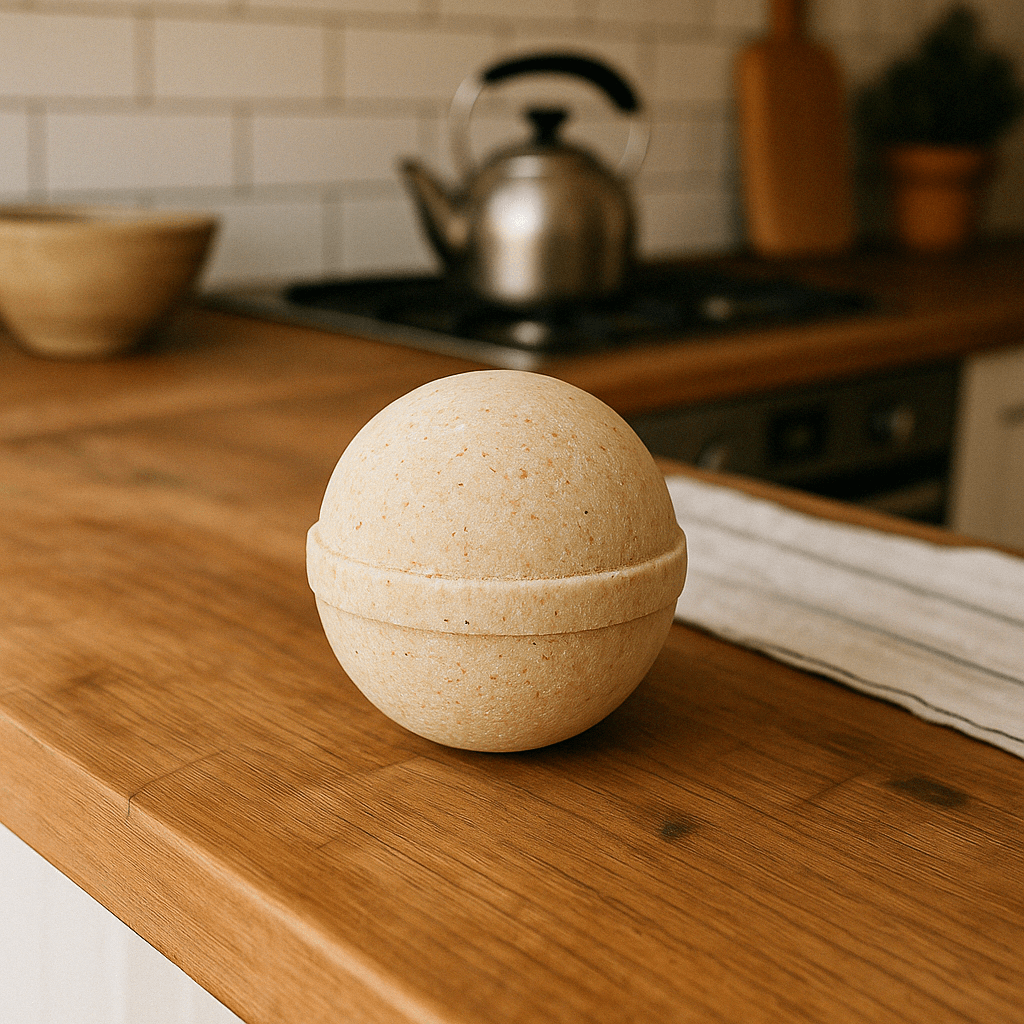
Generate an ultra-realistic image of a gift basket placed on a white background, labeled "Relax and Unwind" in a handwritten-style font, tied with a ribbon, and containing all of the items shown in the reference image.
"""

result = client.images.edit(
    model="gpt-image-1",
    image=[
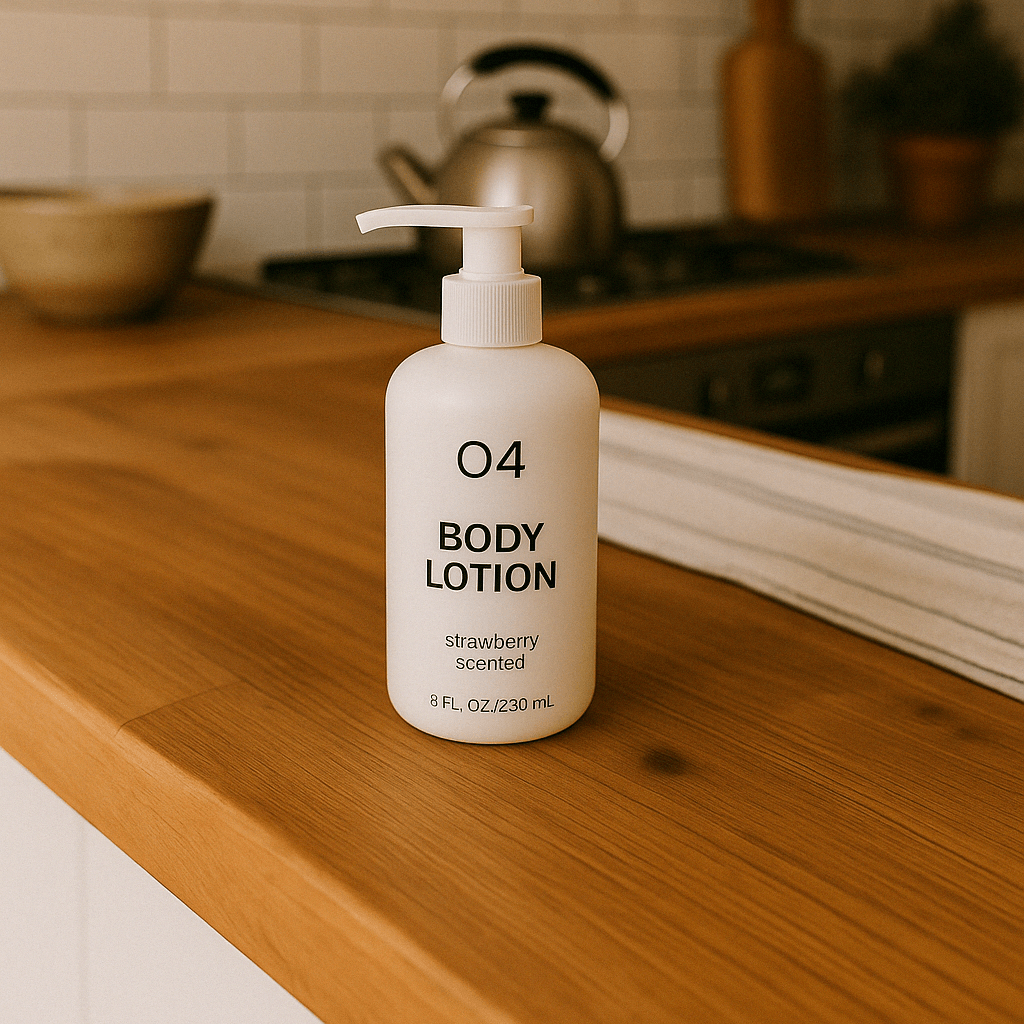
        open("body-lotion.png", "rb"),
        open("bath-bomb.png", "rb"),
        open("incense-kit.png", "rb"),
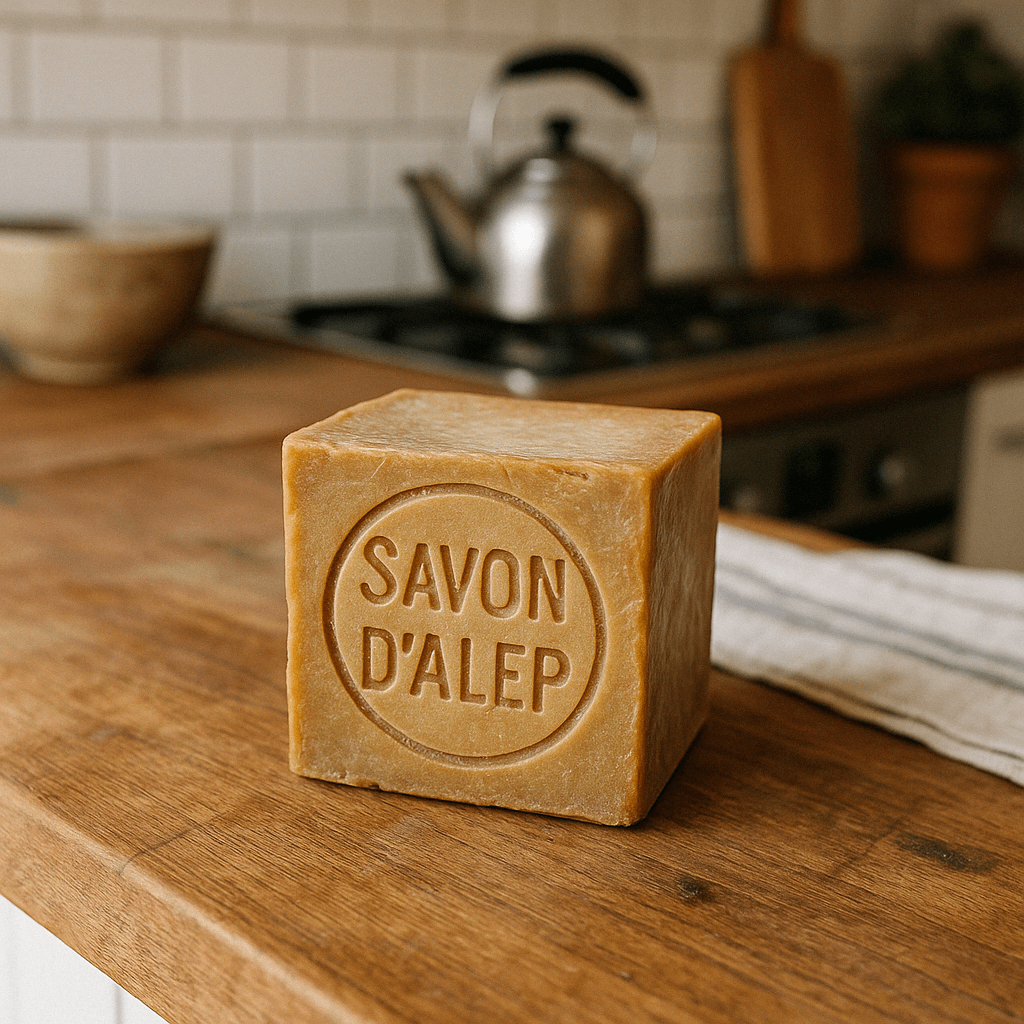
        open("soap.png", "rb"),
    ],
    prompt=prompt
)

image_base64 = result.data[0].b64_json
image_bytes = base64.b64decode(image_base64)

# Save the image to a file
with open("gift-basket.png", "wb") as f:
    f.write(image_bytes)
First result: 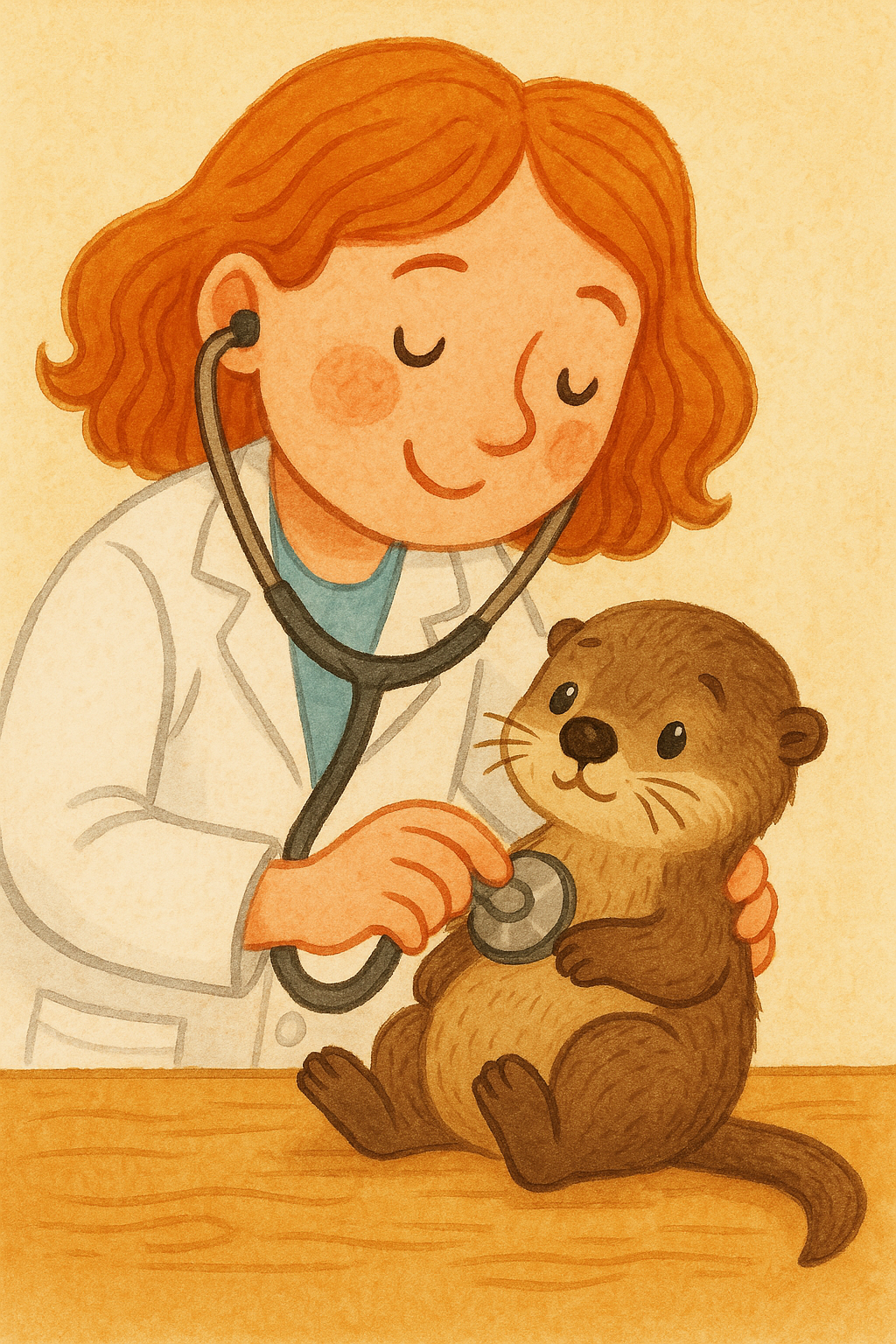
Images used in the second example:
Second result: