Theme
OpenClaw with CC Switch Custom Relay Configuration
Step 1: Install CC Switch
- Download and install CC Switch
Download link: Download CC Switch
- Configure CC Switch
Add vendor (relay station)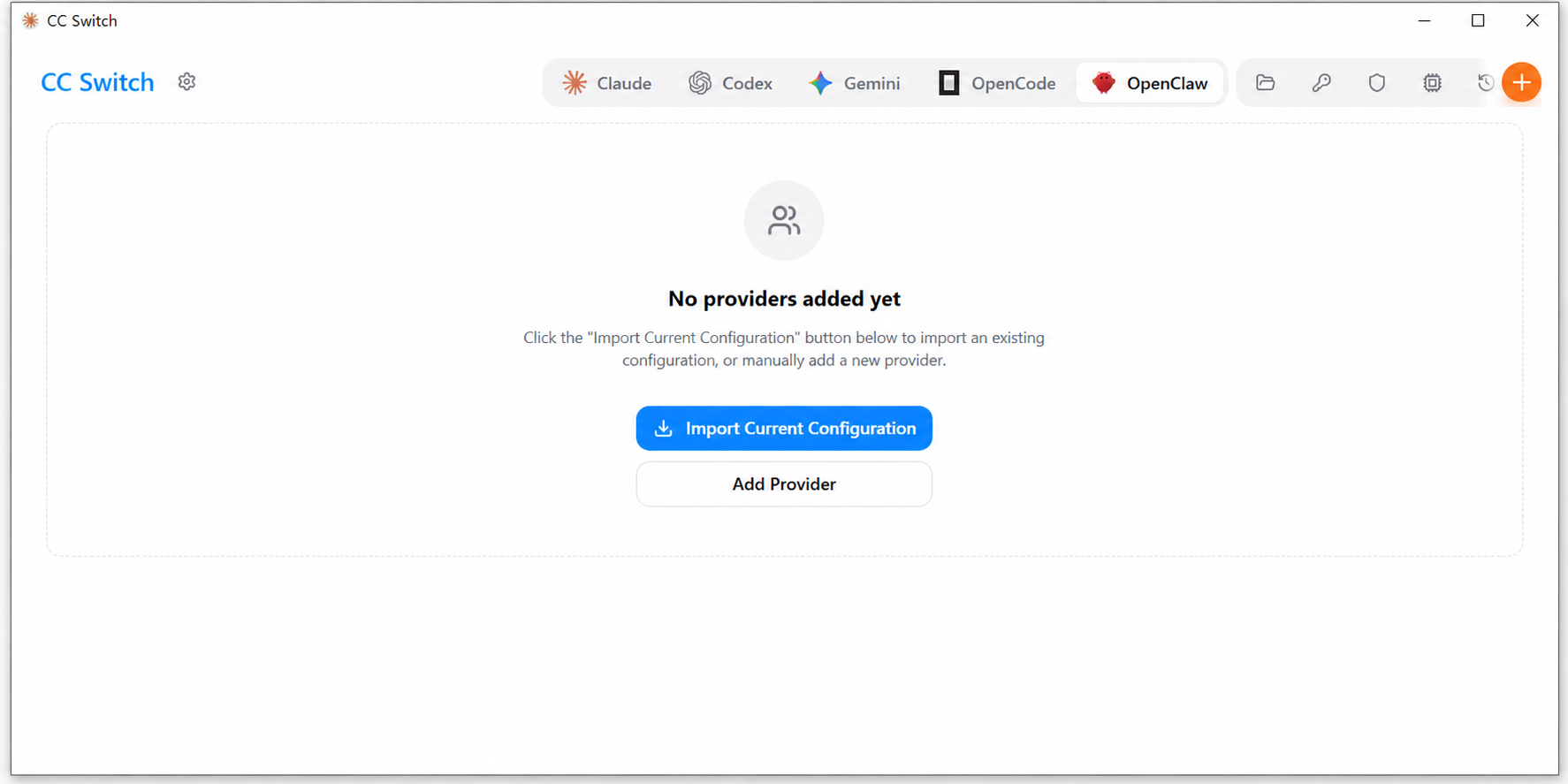
Add vendor (relay station) information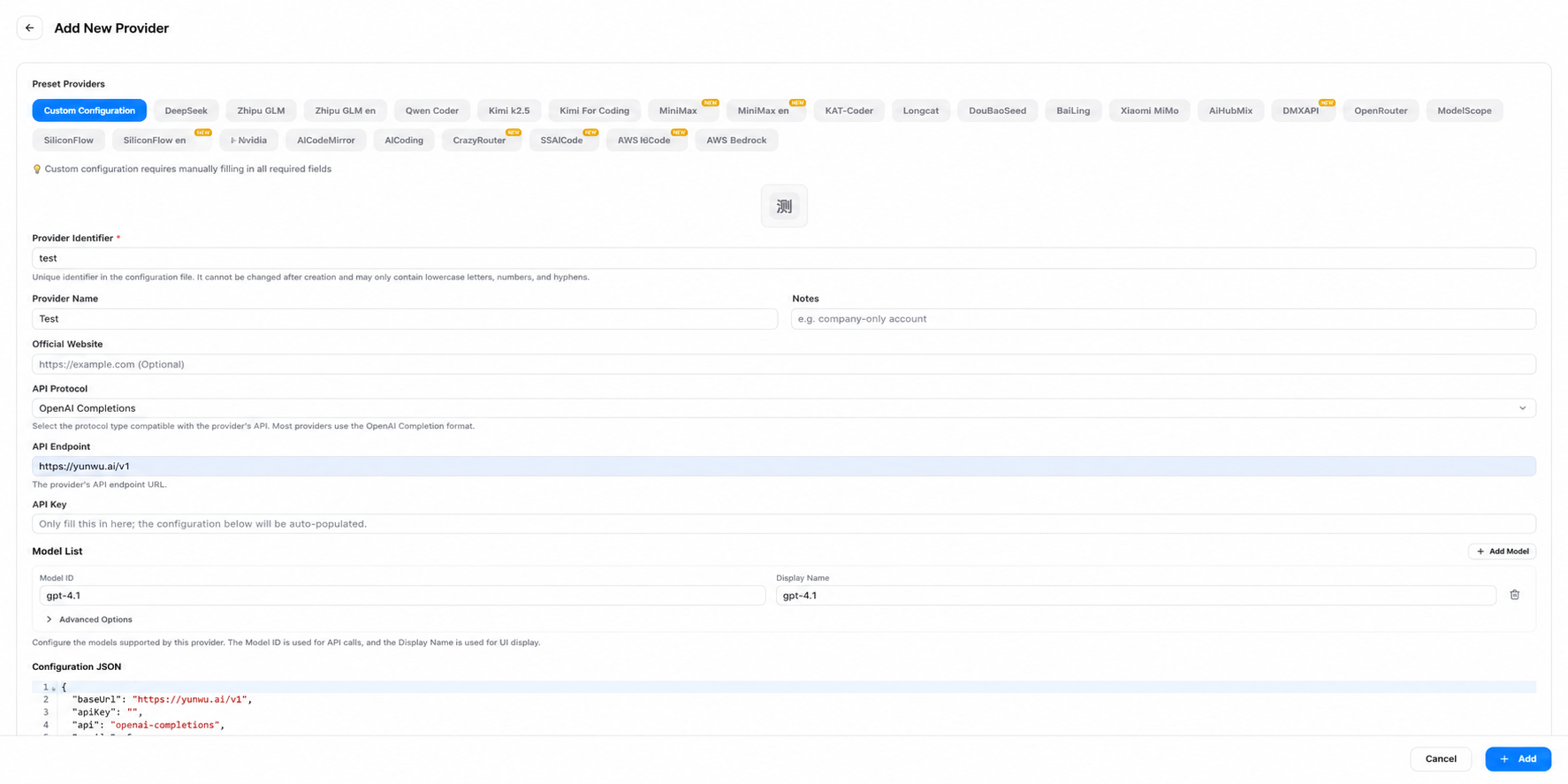
Select to add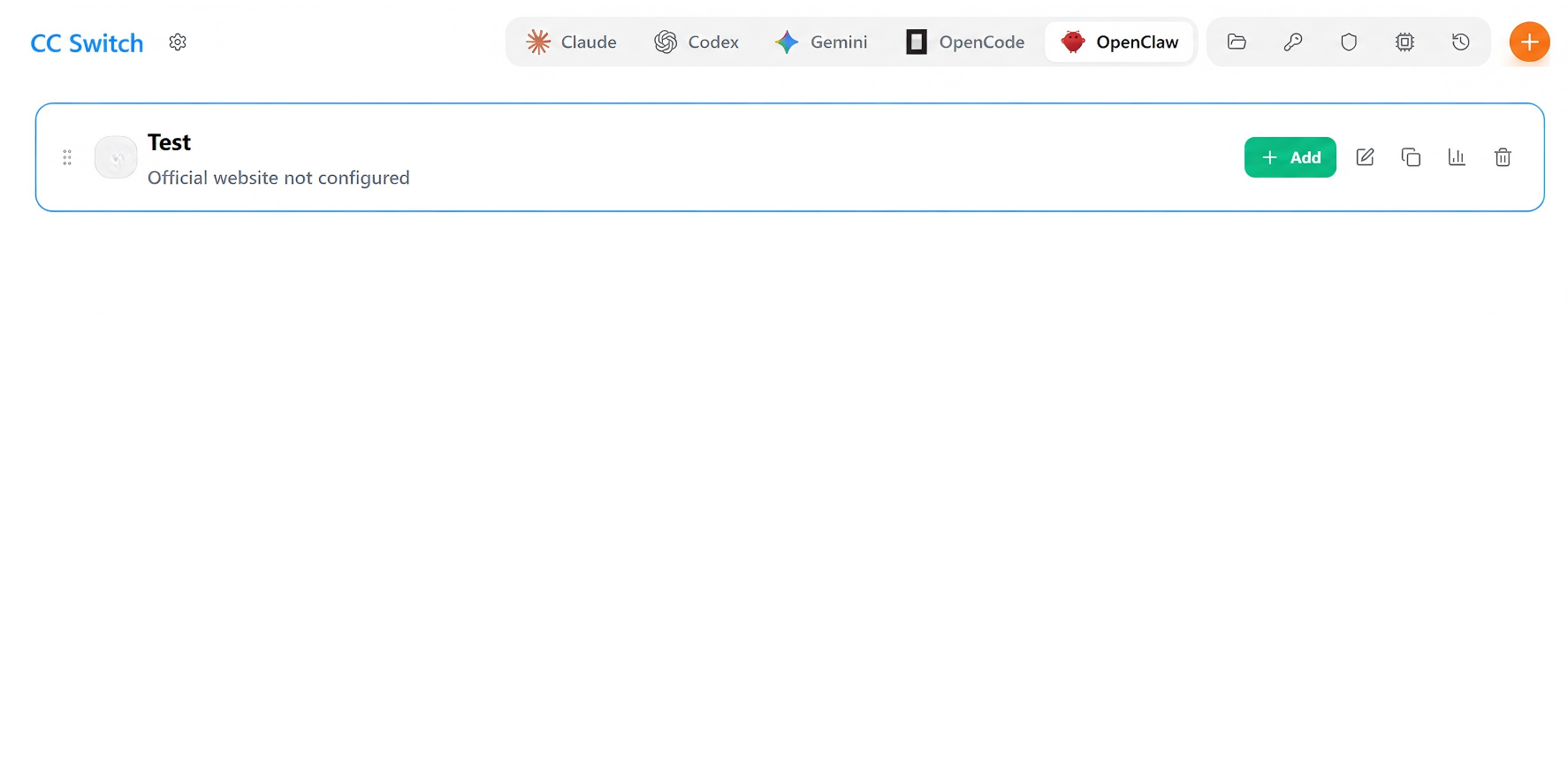
You can also choose to set it as the default channel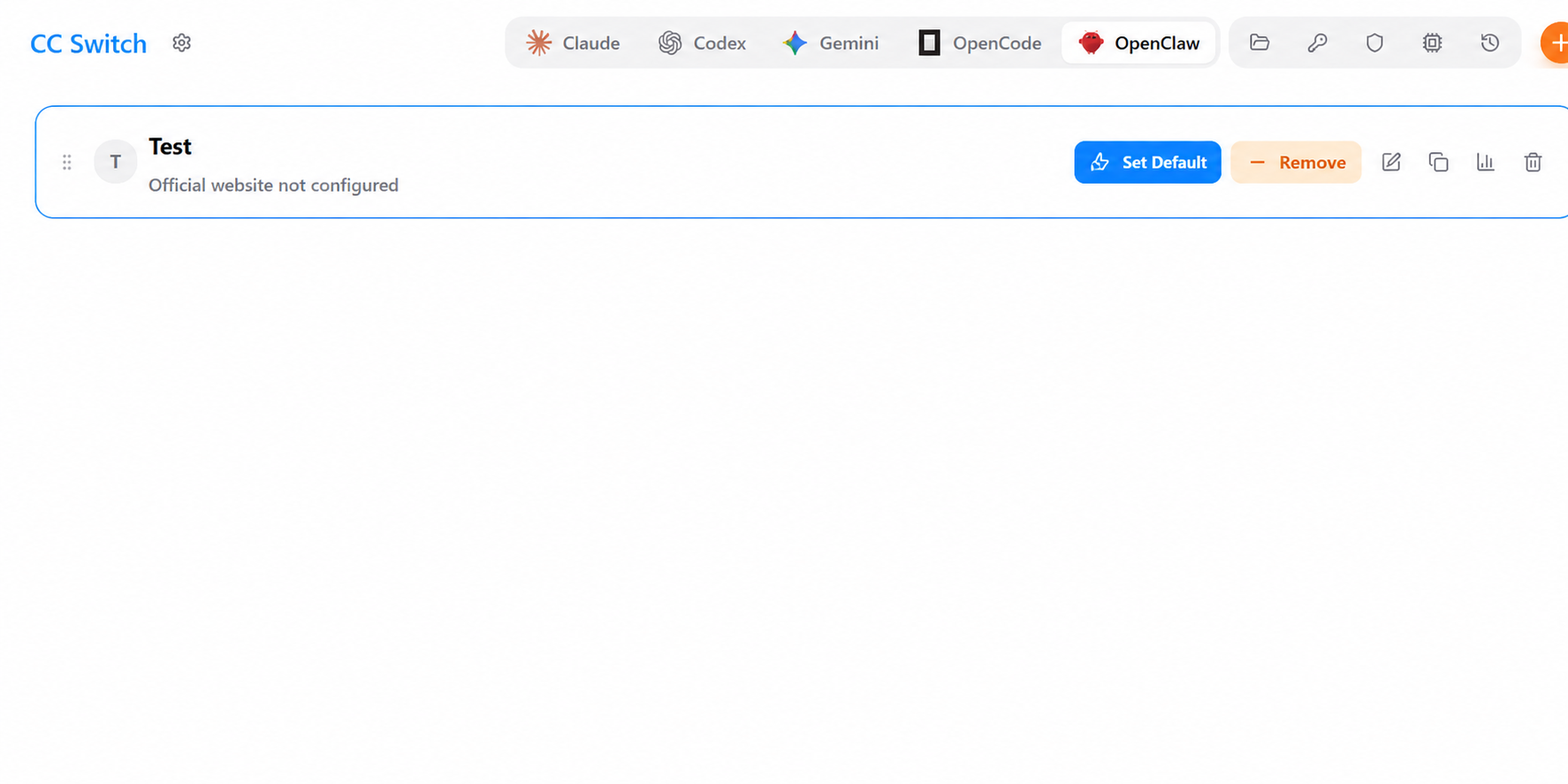
Step 2: Install OpenClaw and Basic Initialization
First, make sure you have Node.js installed, then execute in the terminal:
- Global installation:
npm install -g openclaw@latest- Run the onboarding guide (complete basic setup according to the prompts):
openclaw onboardChat configuration guide example
The areas marked with red boxes are where you need to make selections
Step 3: Check and Start
- Start the Gateway service:
openclaw gateway --port 18789- Access the console:
Open your browser and visithttp://127.0.0.1:18789/