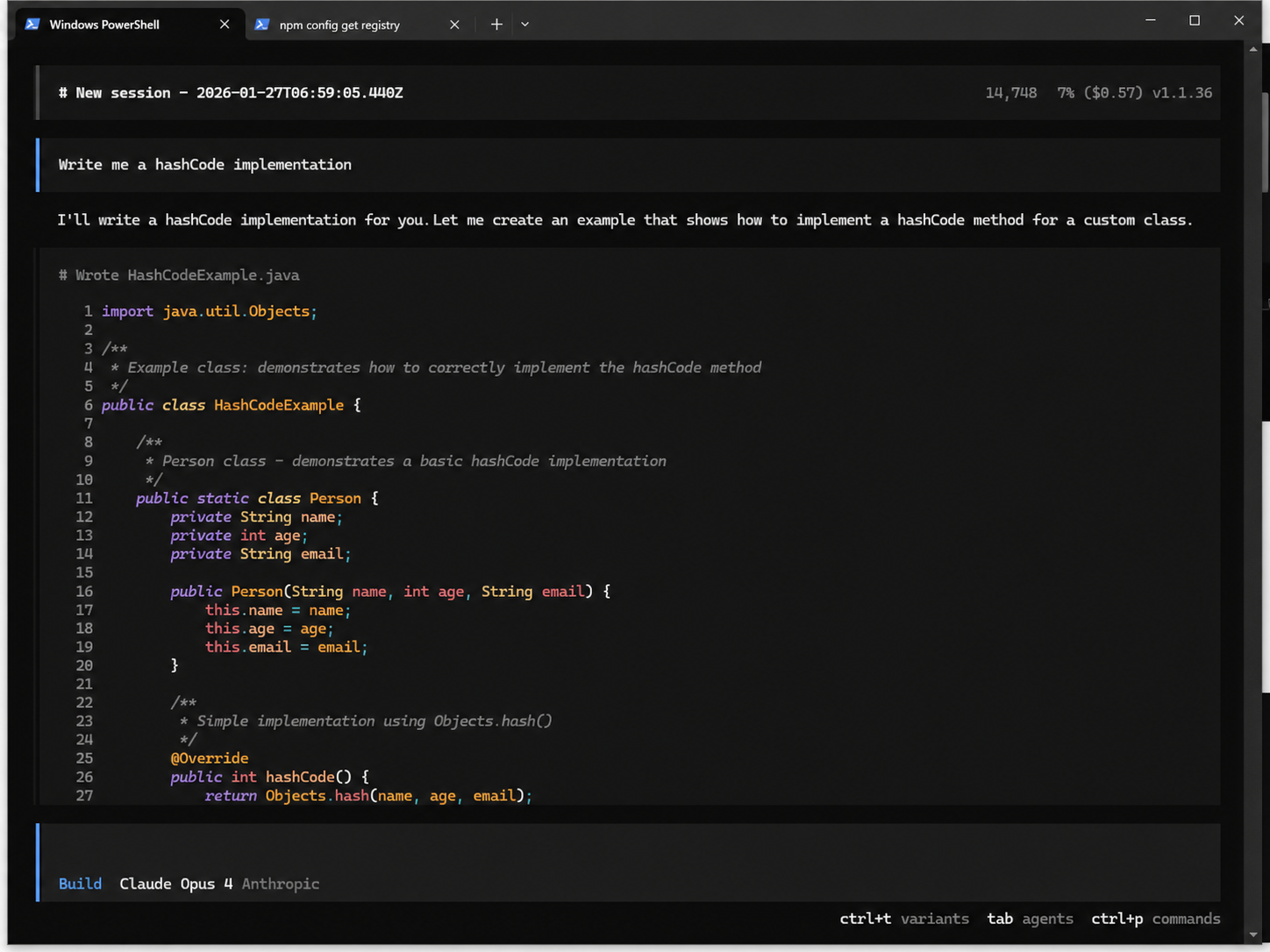
Theme
Install opencode first
Using Node.js
npm install -g opencode-aiConfigure Provider
https://opencode.ai/docs/providers/
Configure two locations
Provider Configuration (create this file if it doesn't exist)
~ represents the user's home directory, for example C:\Users\admin on Windows
~/.config/opencode/opencode.json

{
  "$schema": "https://opencode.ai/config.json",
  "provider": {
    "anthropic": {
      "options": {
        "baseURL": "https://www.kkiai.com/v1"
      }
    }
  }
}
Here I replaced the existing anthropic address
API Key Configuration
Here we configure a Claude platform key. In our website console, create a key and select our Claude-related group, such as Claude Exclusive
~/.local/share/opencode/auth.json

{
  "google": {
    "type": "api",
    "key": "1111111111111111111"
  },
  "anthropic": {
    "type": "api",
    "key": "sk-xxxxxxxxxxxxx"
  }
}
Open Terminal
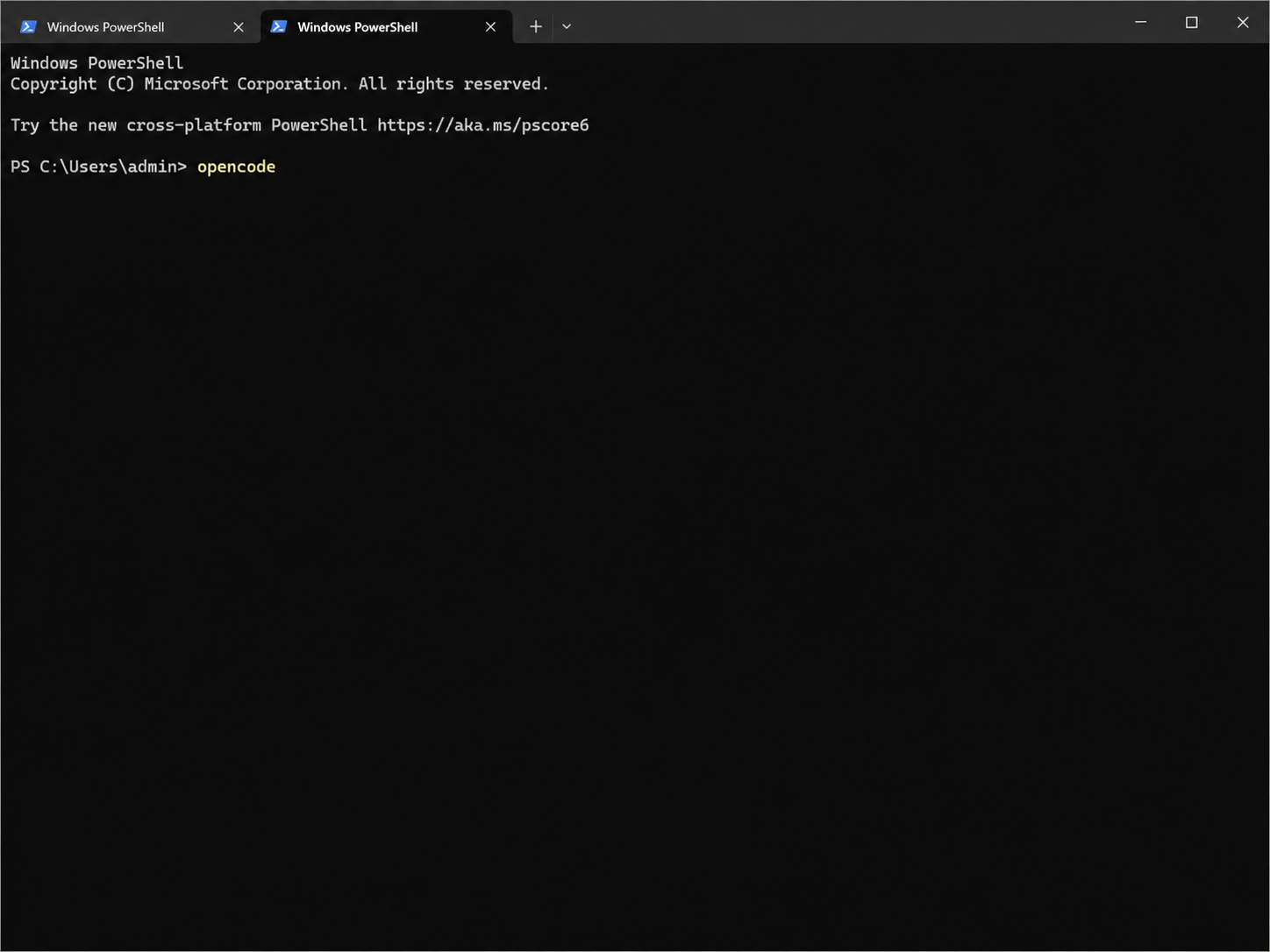
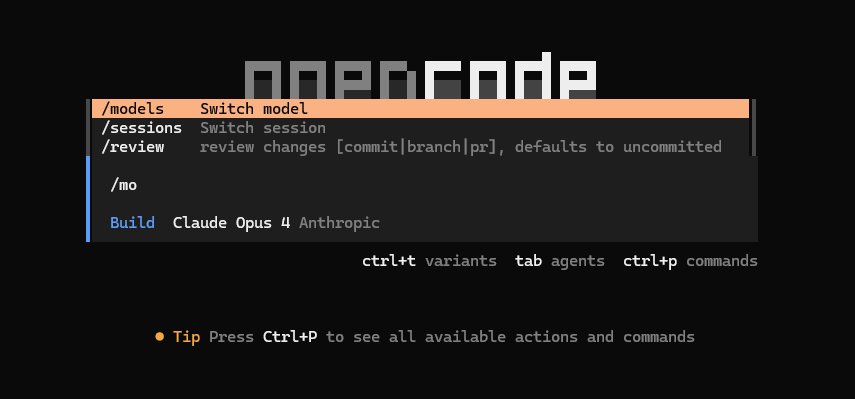
Enter /models
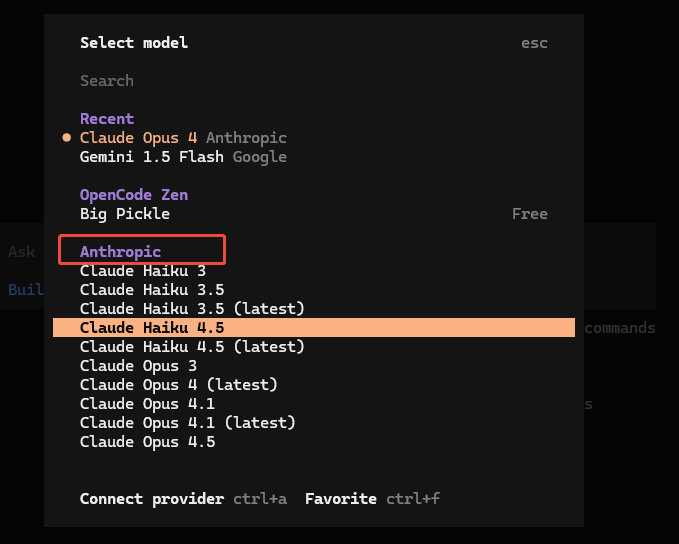
Select a model from anthropic
Start Using